An analytics engineer changes one line in a revenue model and runs it to check the result. The run goes to the cloud warehouse, waits in a queue, processes a full table and returns a few minutes later. Across a team making dozens of changes a day, those minutes add up to slower delivery and a steady line of development computed on the monthly bill.
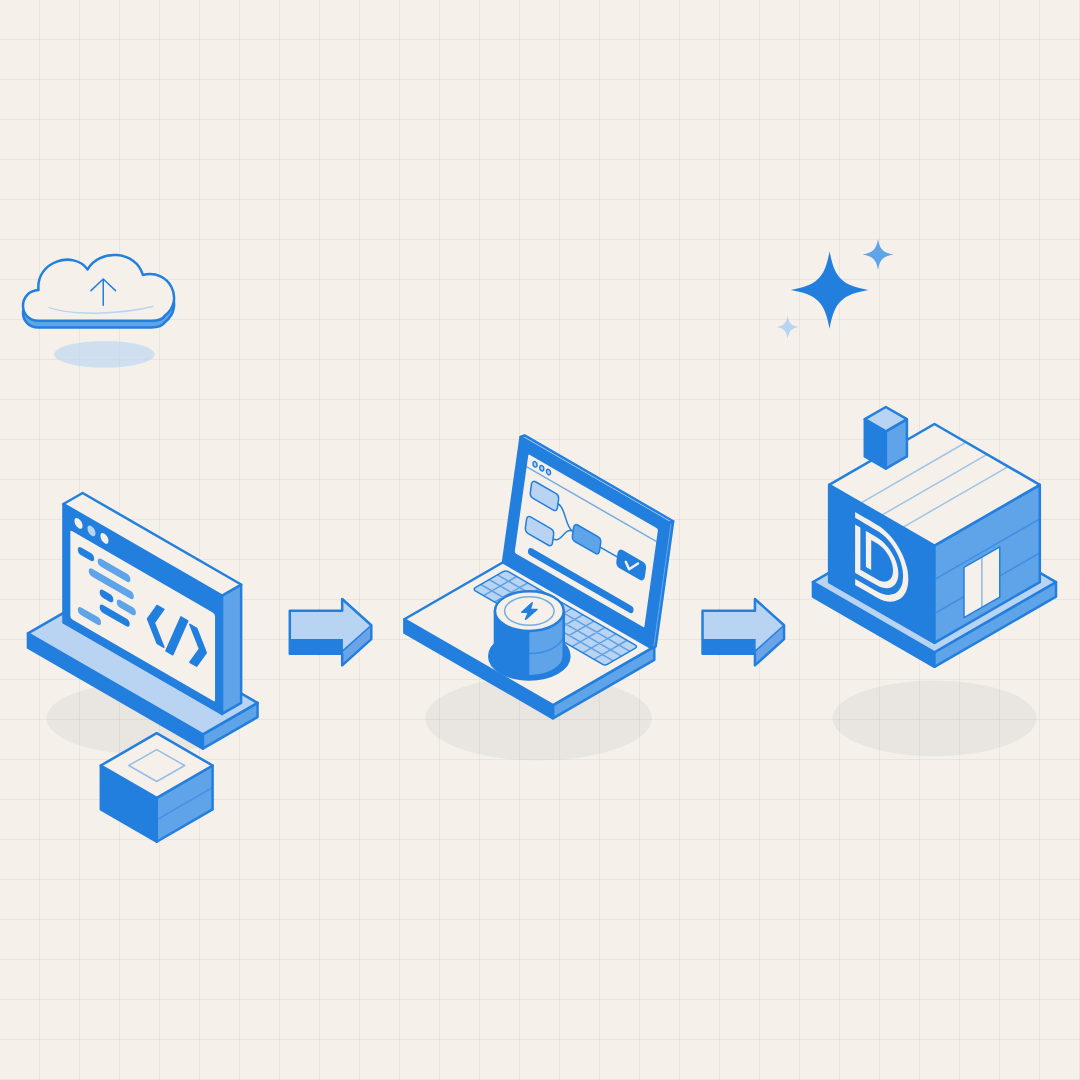
That loop is getting shorter. dbt v2 now ships with DuckDB built in, so analytics engineering teams can build and test models on a laptop in seconds before anything touches the warehouse. Development gets faster, warehouse computers are reserved for production, and new team members can run the project on their first day.
What Changed with dbt v2 and DuckDB dbt v2 runs on the new Rust-based Fusion engine and is the first dbt release with a built-in DuckDB adapter. Teams no longer need to install the separate dbt-duckdb Python package.
The release also strengthens the open source side of dbt. On 1 June 2026, dbt Labs released the first alpha of dbt Core 2.0, built on the same foundations as Fusion, and open-sourced a large part of the Fusion code under Apache 2.0. The DuckDB team's announcement covers the setup and the new features in detail.
What Is DuckDB? DuckDB is a fast analytical database that runs inside the application using it, with no server to manage. dbt's documentation describes it as an embedded database similar to SQLite, but designed for analytical workloads rather than transactional ones.
For dbt users, the practical benefit is simple. DuckDB with dbt v2 is the easiest way to get a dbt project running locally, with no warehouse account or credentials required.
Why Local Development Matters for Analytics Engineering Analytics engineering is the discipline of turning raw data into clean, tested and documented models that the business can trust, usually with dbt. dbt Labs and IBM both explain the role well. Local development with dbt DuckDB improves four parts of that work:
Faster feedback. Engineers test a change in seconds on sample data rather than waiting on a warehouse run.Lower development compute. For teams focused on Snowflake cost optimization, development and testing workloads are a practical place to start, because they can move to a laptop without affecting production. Snowflake's own cost guide is a useful companion.Simpler onboarding. New hires can run the full project before their warehouse access is set up.Lighter CI pipelines. Automated tests can build the project against small fixture files on every pull request.
How DuckDB Fits a Production dbt Workflow The strongest setups use DuckDB and the cloud warehouse together, each where it adds the most value:
On the laptop , engineers build and test models against DuckDB with sample data.In CI , automated tests run against DuckDB on fixture files for every change.In production , the same dbt project runs on the cloud warehouse at full scale.Two practices keep this smooth. Teams write models in SQL that runs cleanly on both engines, and they track adapter maturity. The DuckDB adapter for the new engine is currently in beta, and some features from the dbt v1 adapter are not yet supported.
A Practical Checklist for Adopting Local dbt Development Start with a low-risk step by testing the v2 parser on dbt v1.12, which includes it as an opt-in feature. Choose a project or set of models with portable SQL as the first candidate. Create small, representative sample datasets for local runs and CI. Add DuckDB-based tests to the CI pipeline for every pull request. Keep production runs on the warehouse and confirm results match. Measure development cycle time and development compute before and after.
What This Means for Data Leaders Local development changes the economics of analytics engineering. Teams ship changes faster, warehouse spend follows production value more closely, and the skills needed to contribute to the data model become easier to share across the company.
At Datum Labs, our dbt and Analytics Engineering practice helps teams set up local development with DuckDB, build CI pipelines on fixture data, and plan migrations to dbt v2 so the same project runs reliably from the laptop to production.
The best analytics teams treat speed of iteration as a core capability. With DuckDB inside dbt, that speed now starts on every engineer's laptop.





.png)
.png)
.png)
.png)


.png)

